TextureCraft: Batch Texture Resizer & Compressor for Game Devs
A downloadable tool for Windows
Shrink a folder of game textures in one click. Your originals stay untouched.
TextureCraft is a free Windows tool for game developers. Add a folder or files, pick a size, compress, and it shows how much space you saved.
**What it does**
- Add a folder or files, or drag them onto the window. Subfolders are included.
- Resize to 512, 1024, 2048, or 4096 (square, exact size), or a custom width and height. Fit mode keeps the aspect ratio.
- Small textures are never enlarged.
- Compress PNG, JPG, and WebP with a quality slider. Convert between formats.
- Writes to an output folder you choose. Your originals are never changed. The folder structure is kept.
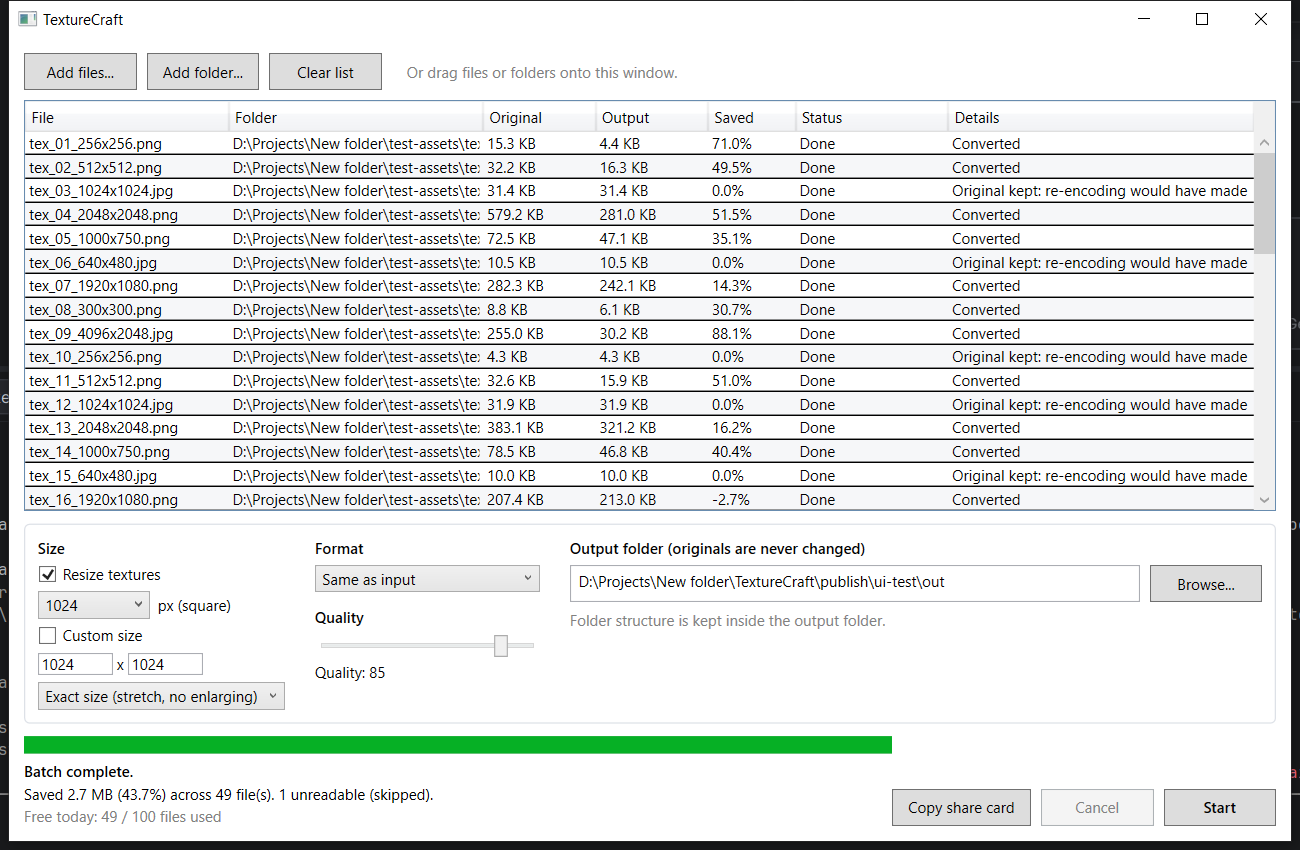
- Per-file and total results: original size, output size, and percent saved.
- If re-encoding at the same size and format would make a file bigger, the original is kept. A resize can still make a file bigger (for example a 1920x1080 PNG resized to 1024x1024). The results grid shows that as a negative percentage.
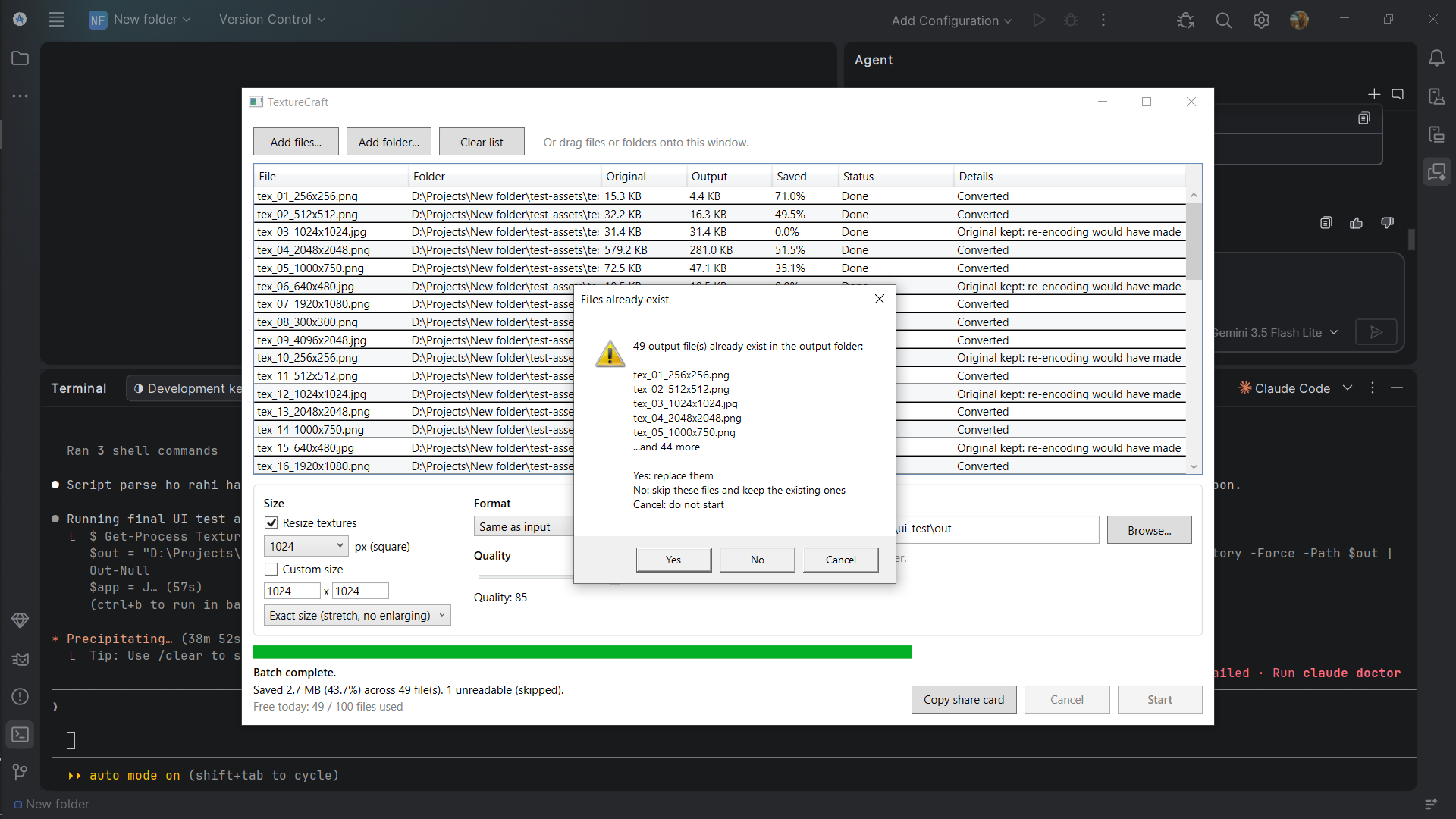
- Warns before overwriting existing files. Cancel stops after the current file and keeps finished output.
- Corrupt or unreadable files are reported and skipped. The rest of the batch completes.
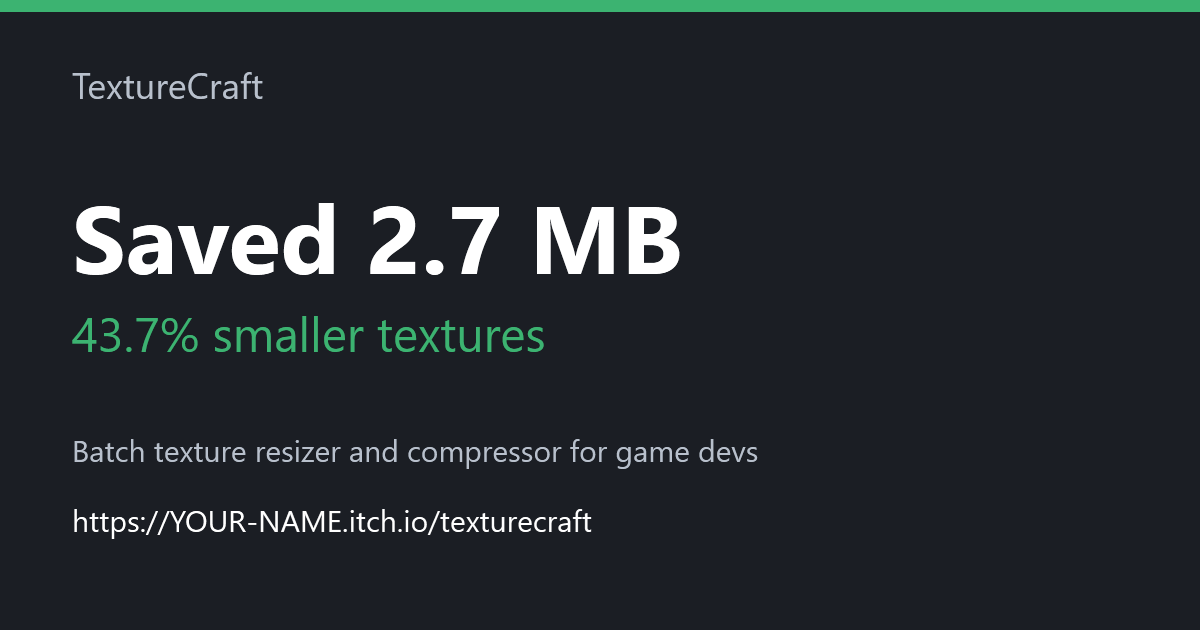
- Copy a share card with your saved amount to the clipboard.
**Results from our test batch**
Test set: 50 mixed textures from 256 px to 4096 px, PNG and JPG, one corrupt file.
- 49 textures processed, 1 corrupt file skipped.
- Total saved: 2.7 MB (43.7%) at 1024 px, quality 85.
- Cancel mid-batch: finished files kept, no partial files left.
Your results will vary with your textures. Run it on your own project to see your number.
**Free vs Pro**
- Free: 100 files per day. Resize, compress, and convert are all included.
- Pro ($5, planned): unlimited files. Not available yet. Extra features are chosen after launch feedback.
**Platform**
- Windows 10 and 11, 64-bit.
- macOS and Linux are not supported yet.
- No installer. Unzip and run TextureCraft.exe.
**Privacy**
TextureCraft works offline. It makes no network connections, sends no data, and has no telemetry or account. Settings and the daily counter are stored only on your PC in %AppData%\TextureCraft.
**Known issues**
- Windows SmartScreen may warn on first run because the app is not code signed. Click "More info", then "Run anyway".
- The exe is about 69 MB because it bundles the .NET 8 runtime, so it does not need .NET installed.
- The free daily limit is a fair-use limit stored on your PC. It is not copy protection.
- Drag and drop onto the window is supported. It has not been tested on every Windows setup.
**Support and refunds**
- Questions: leave a comment on this page. We reply within 2 business days.
- Refunds: free app, so no purchase to refund. If Pro is later sold, refunds are within 14 days, no questions asked.
**Third-party**
Uses SixLabors.ImageSharp under the Six Labors Split License. The license text is in THIRD-PARTY-NOTICES.txt inside the zip.
Download
Install instructions
TextureCraft-1.0.0-win-x64.zip (63.7 MB)
SHA-256: EEA3E1B39C24DB2766319BE7D64F5EABF971A5450421978A6F3D5CAB9D21ADF7
Unzip the file and run TextureCraft.exe. No install is needed.
Windows may show a SmartScreen warning. Click "More info", then "Run anyway" if you trust this download.
Leave a comment
Log in with itch.io to leave a comment.